


באתי בשביל צילום הארוחות, נשארתי בשביל המדליות
הכי אהבתי את צילום הארוחות, שחוסך התעסקות בהזנה ידנית, ואת המדליות שמקבלים על התמדה, עמידה ביעדים, שיאים ואתגרים אישיים. כיף לראות שלא רק הירידה במשקל מקבלת הכרה, אלא גם הדרך.
isuki_cosplay
עוקבים חכם. מתקדמים מהר.


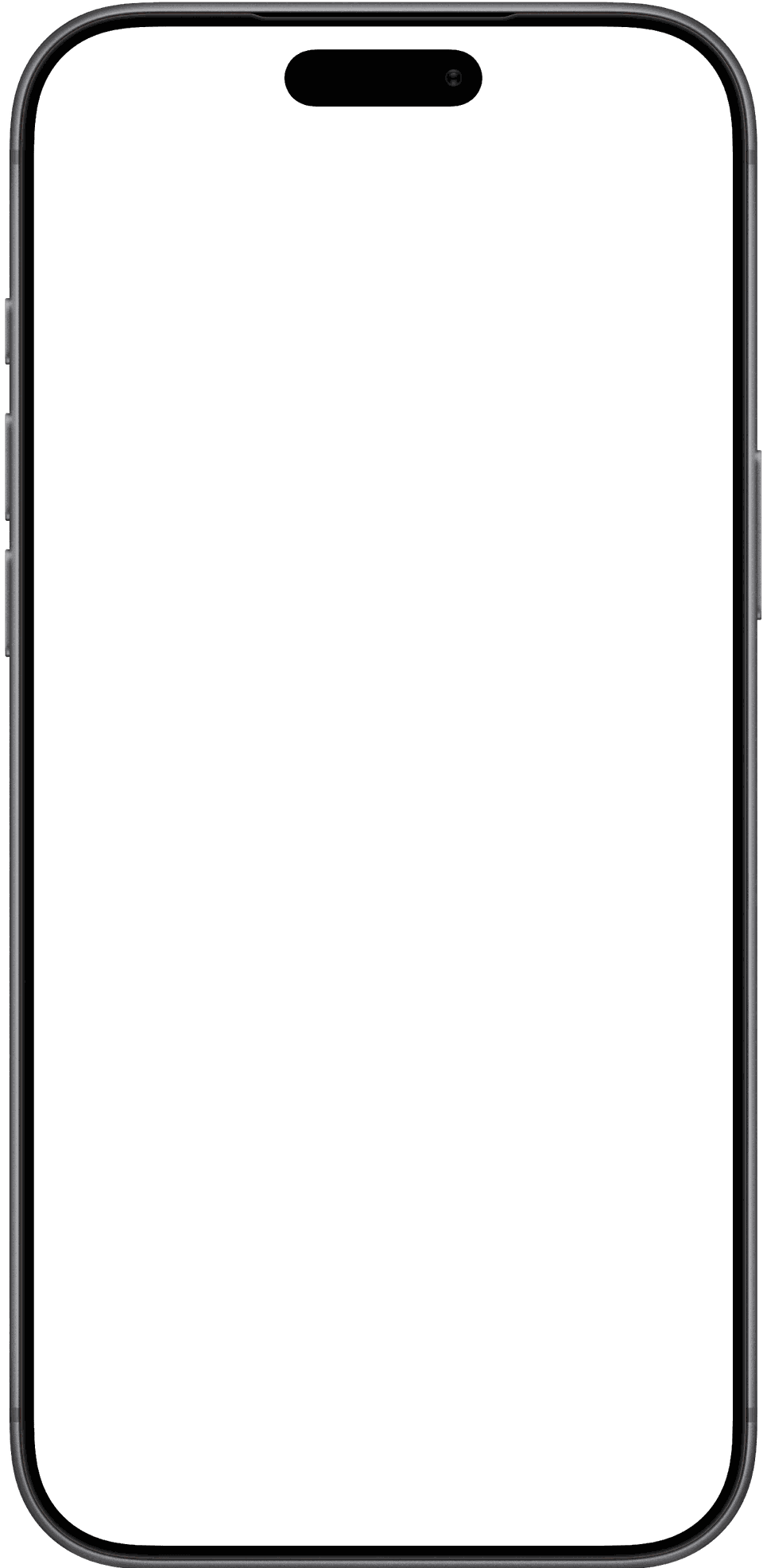
מצלמים את הצלחת, סורקים ברקוד או מתארים במילים, ומקבלים קלוריות וערכים תזונתיים מיד.


41.9 ג׳
חלבון
15.3 ג׳
שומן
2.7 ג׳
סוכר
58.1 ג׳
פחמימות


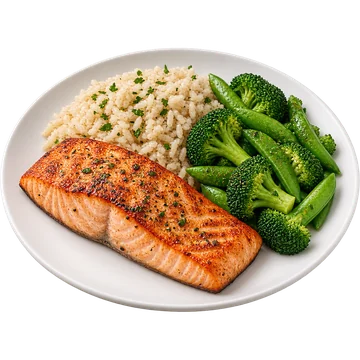
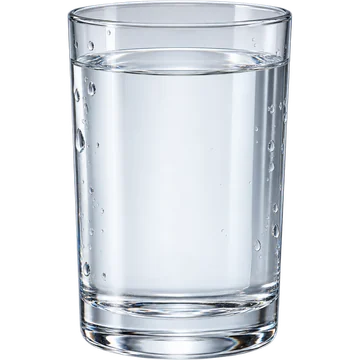
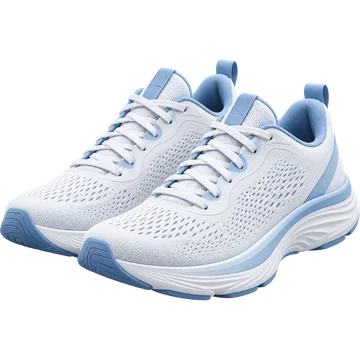

מצלמים את המנה, ומקבלים את הקלוריות של כל רכיב בה בנפרד. מהלחמנייה ועד החסה.
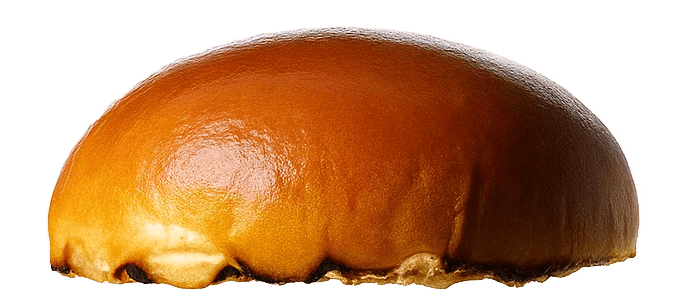 75 קק״ל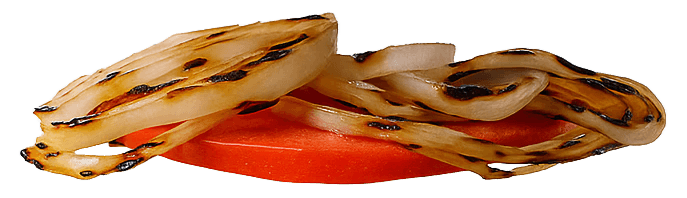
 12 קק״ל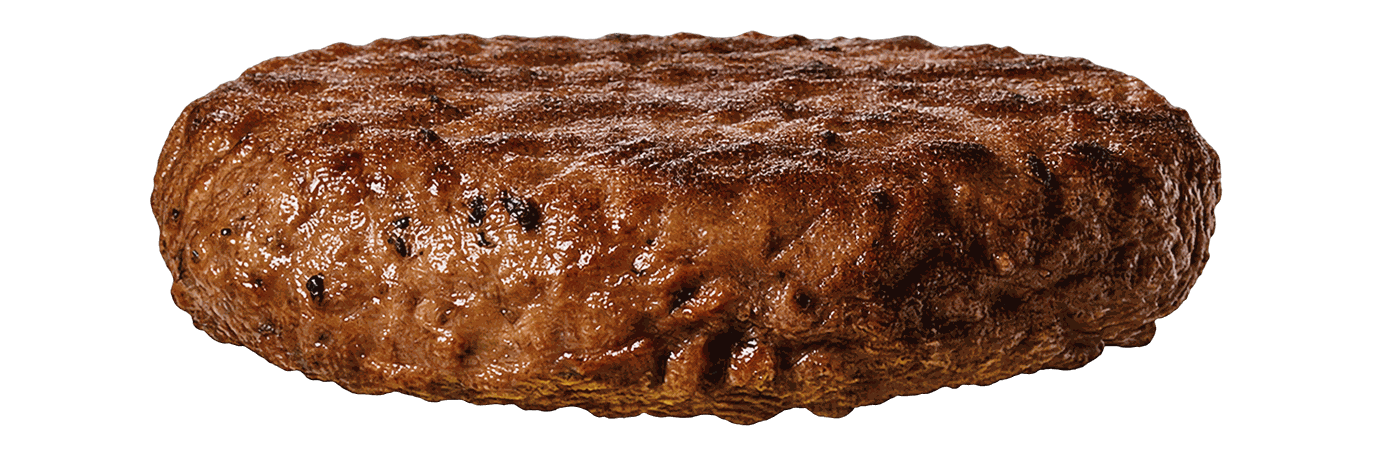
 250 קק״ל
 1 קק״ל
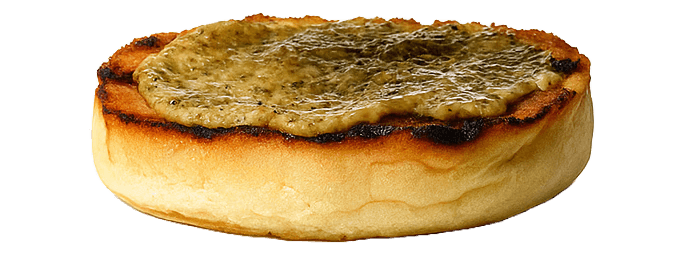 75 קק״ל
מכוונים את המצלמה לצלחת או סורקים ברקוד, וה‑AI מזהה מה יש בה.
מנסים בעצמכם?
מצלמים, סורקים ועוקבים. כל מה שצריך כדי לשמור על הקצב, במקום אחד.
רואים את ההתקדמות
מה שאכלתם מול היעד, יום אחרי יום, כדי לראות איך ההרגלים משתנים.
יומן ארוחות לפי ימים
כל הארוחות של כל יום, עם סך הקלוריות. רואים בדיוק איפה עומדים.
מתארים במילים
כותבים מה אכלתם, והארוחה נכנסת ליומן עם כל הערכים.
כל זה באפליקציה אחת

מצלמים או מתארים מנה, וה‑AI מפרק אותה למרכיבים מדויקים, עם הקלוריות של כל אחד.
מה נשאר להיום, מה היה בצלחת ואיך המשקל זז לאורך זמן. הכול באפליקציה אחת.
ביקורות אמיתיות ממשתמשים, מילה במילה.
באתי בשביל צילום הארוחות, נשארתי בשביל המדליות
הכי אהבתי את צילום הארוחות, שחוסך התעסקות בהזנה ידנית, ואת המדליות שמקבלים על התמדה, עמידה ביעדים, שיאים ואתגרים אישיים. כיף לראות שלא רק הירידה במשקל מקבלת הכרה, אלא גם הדרך.
isuki_cosplay
נח לשימוש
אפליקציה מאד נוחה הכל מפורט כמו שצריך ממליצה מאד!!
Yafit004
אחלה אפליקציה
אני אישית אהבתי את דף הבית שמעוצב מעולה. הכל גדול, ברור ורואים ישר כמה קלוריות וחלבונים נשארו להמשך היום. הוספת האוכל מהירה וממש נוח להשתמש. הברקוד עובד טוב, וסה״כ חוויה מעולה.
מני ו.
אפליקציה קלילה ונוחה
אפליקציה קלילה מאוד נחמדה ואהבתי מאוד.
מ. כהן
אפליקציה מעולה
משתמש בה כבר תקופה. החישובים נראים מדוייקים. איכות האפליקציה והנוחות גוברות על הכל! אליפות ממש
משה ב.
אפליקציה נוחה
אהבתי את החווית משתמש הפשוטה והנוחה ממליצה !
Sara2407
אהבתי ממליצה
אני ממש אוהבת את האפליקציה! היא עוזרת לי לעקוב אחרי מה שאני אוכלת במהלך היום, להבין כמה קלוריות אני צורכת ולשמור על מעקב גם אחרי השתייה והמשקל. הכול מסודר ונוח לשימוש, והאפשרות לראות את ההתקדמות שלי לאורך זמן ממש עוזרת לי להישאר ממוקדת ולהתמיד במטרות שלי. ממליצה בחום!
moran_sofer
האפליקציה בול מה שצריך!
מהירה, פשוטה, יפה, נוחה! לא יודע מה פיתח אותה אבל הו גאון
Meniahu
אפליקציה נדירה
אני אחרי כמה אפליקציות דומות וכאן יש פשוט כל מה שצריך כדי להתמיד.
מיכל ל.
אהבתי ממליץ
הכי אהבתי את הממשק הנוח והפשוט לתפעול.
שלמה מ.
אפליקציה מעולה
הפתיע אותי לטובה רמת הדיוק שהיא מנתחת מצילום אחד ממליץ
א. מ. ר
3 ימים עם כל האפשרויות. ביטול בכל עת, ישר מהגדרות המכשיר.
3 ימים חינם
כל האפשרויות פתוחות
מה מקבלים
כל מה שכדאי לדעת לפני שמתחילים.

עוקבים חכם. מתקדמים מהר.
האפליקציה שעוזרת לאכול נכון יותר, לשמור על עקביות ולראות תוצאות.